Extending Onshape with Automation: Technical Packages, BOMs, and Web Services in Action
ByxLM Solutions

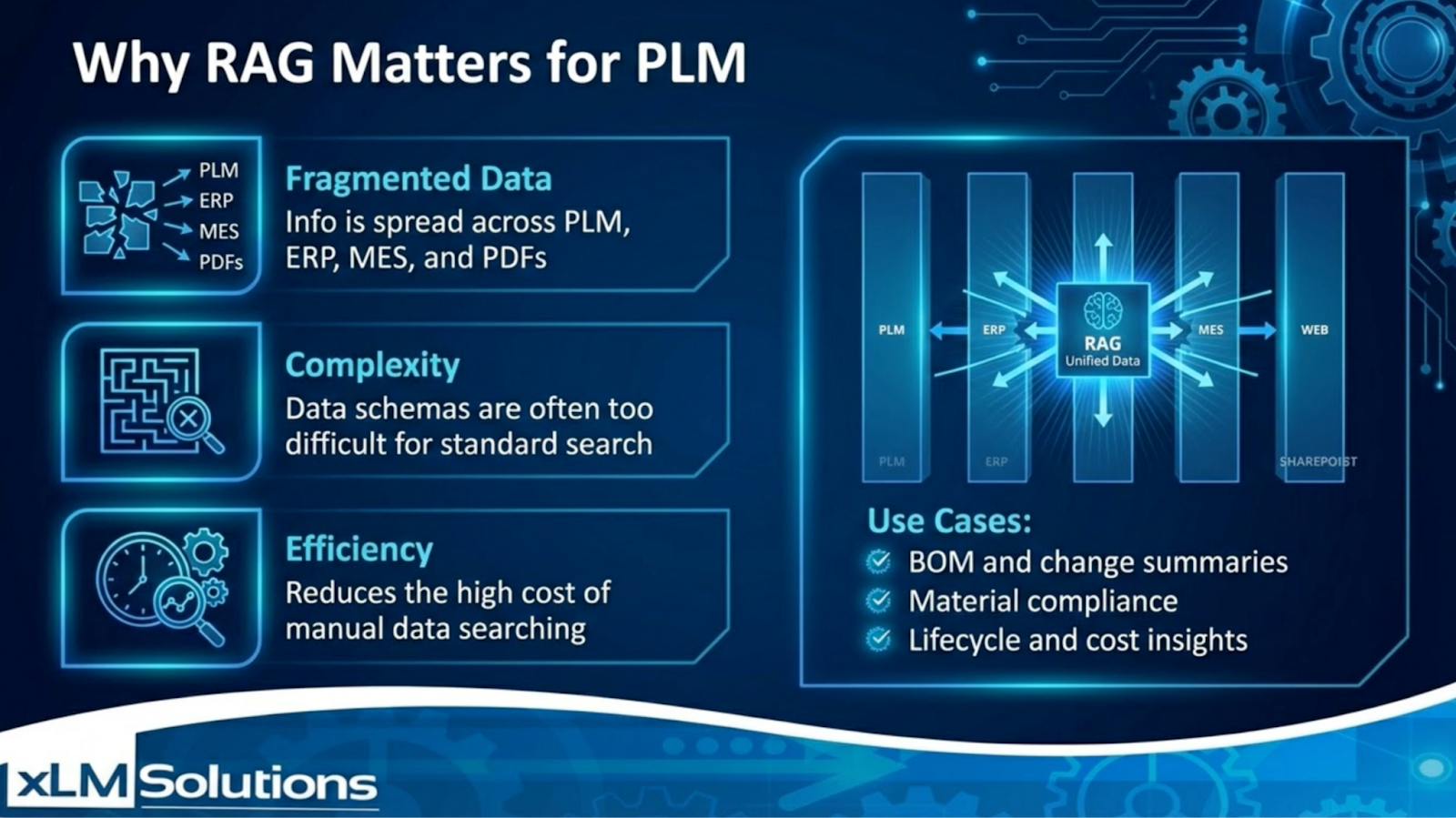
Cloud-native CAD has changed how engineering teams collaborate. Platforms like Onshape eliminate infrastructure barriers and simplify version control. But as teams grow, the need often shifts from access to automation. How do you streamline documentation? How do you enforce structured part numbering? How do you extract complete technical packages without manual effort? What is the best way to integrate the data to ERP? These are the kinds of workflow questions we explore in our recent Onshape Technical Package Extension Demo. Watch the full demo on YouTube to see the extension in action.
Automating Technical Package Creation in Onshape
In many organizations, generating a technical package still involves multiple manual steps:- Downloading drawings individually
- Exporting BOMs separately
- Renaming and organizing files
- Preparing data for vendors
- Generate batch exports of drawings and PDFs
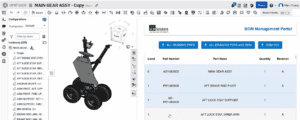
- Produce structured BOM exports (CSV)
- Create complete technical packages from an assembly
- Convert parts and assemblies into formats such as SOLIDWORKS or STEP
Leveraging Onshape Web Services
Onshape’s API-first architecture allows structured extensions to operate directly within the design environment. In the demo, the extension uses:- Web Services (REST APIs)
- Assembly-level data extraction
- Controlled metadata updates
- Rule-based part number assignment
Supporting Hybrid Engineering Environments
Even in cloud-native ecosystems, suppliers and downstream systems often require structured exports and standardized formats. The extension demonstrates how Onshape data can be prepared for:- Vendor documentation packages
- Structured BOM delivery
- Bill of Material and other reports
- Enterprise system integration