Mastering BPM in 3DEXPERIENCE: How to Create Workflows with the Business Process Designer Role
ByMarc Young
In this blog post, xLM’s Marc Young discusses how the Business Process Designer role in 3DEXPERIENCE empowers users to create, customize, and deploy efficient workflows. Discover insights from xLM Solutions’ experts to optimize your BPM strategies and drive digital transformation.
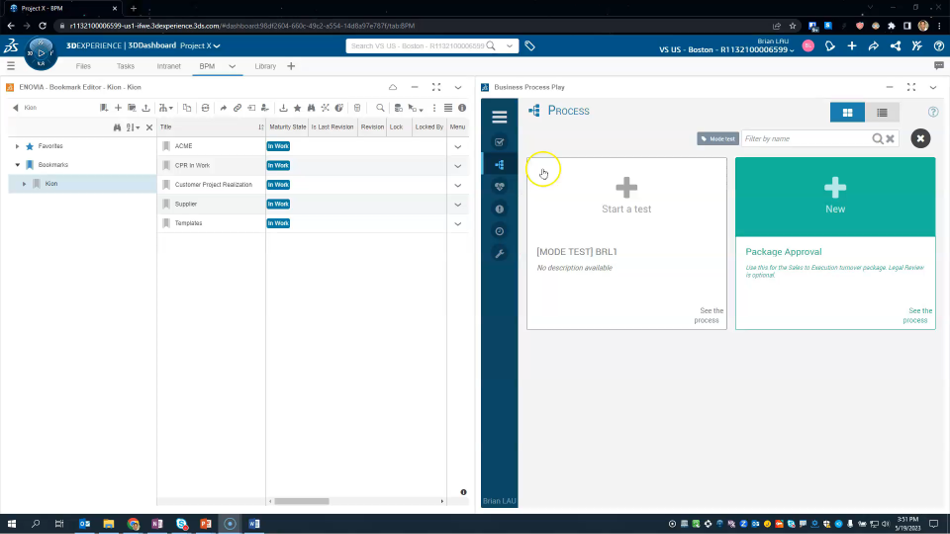
Business Process Management (BPM) in 3DEXPERIENCE empowers organizations to streamline their workflows, automate approvals, and enhance collaboration across teams. Among the three primary roles—Business Process Designer, Business Process Player, and Business Process Analyst—the Business Process Designer role is key to creating and configuring workflows within the platform. In this post, we’ll focus on how to use this role effectively, building on insights shared in our recent webinar. Want to see the Business Process Designer in action? Watch our YouTube video demo for a hands-on walkthrough of how to create and execute workflows in 3DEXPERIENCE.
The Foundation of 3DEXPERIENCE BPM
The Business Process Designer role enables users to create processes tailored to their specific needs. It uses the BPM 2.0 specification, an open standard for process modeling, ensuring flexibility and interoperability. For a refresher on how processes are executed from the user perspective, check out our “Exploring Business Process Management in 3DEXPERIENCE” webinar, which covers the Business Process Player and Business Process Designer roles, as well as other aspects of BPM. Access the webinar recording on-demand here.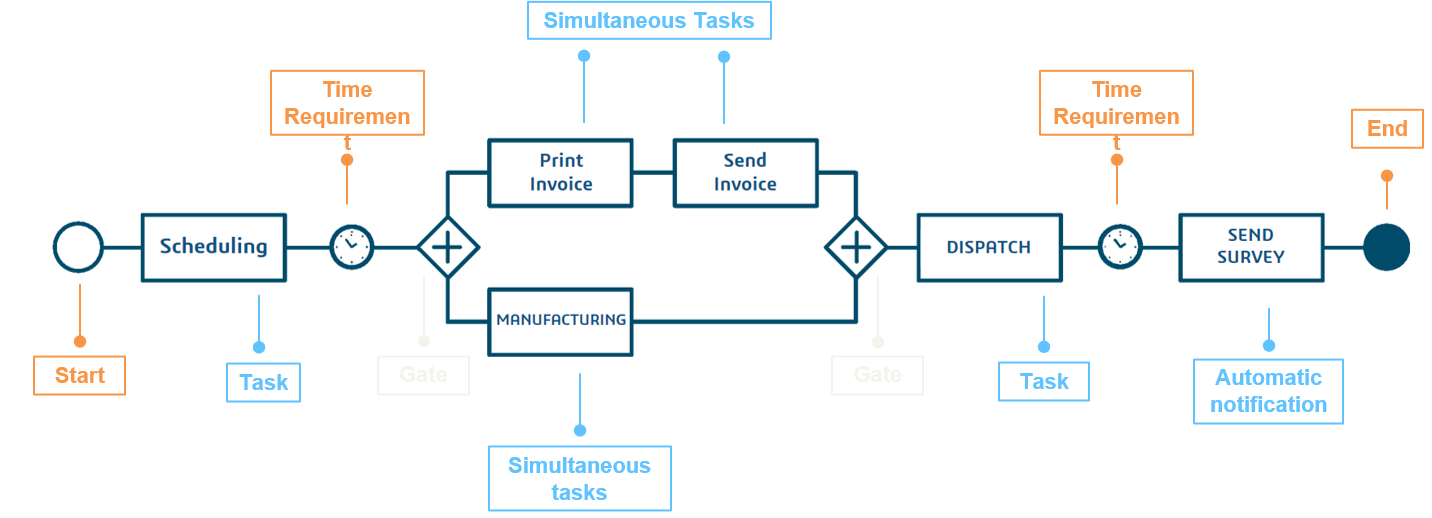
Step-by-Step: Creating a Business Process Model
The Business Process Designer role in 3DEXPERIENCE offers a powerful and intuitive way to design workflows tailored to your organization’s needs. From setting up nodes to configuring decisions and deploying models, this guide breaks down the key steps to help you create effective and efficient processes. Here’s how leveraging the role works.- Getting Started:
- Modeling Nodes:
- User Nodes: Tasks requiring user interaction.
- Script Nodes: Automate tasks through pre-configured scripts.
- Sub-Processes: Incorporate nested workflows for complex processes.
- Adding Logic:
- Configuring Decisions:
- Testing and Deploying:
Key Benefits of the Business Process Designer Role
- Streamlined Customization: Build tailored workflows that adapt to your organization’s unique requirements.
- Enhanced Collaboration: Enable cross-functional teams to work seamlessly within a unified platform.
- Real-Time Insights: Leverage analytics and KPIs with the Business Process Analyst role to refine and optimize processes post-deployment.