XLM SOLUTIONS HIGHLIGHTS 3DEXPERIENCE WIDGET DEVELOPMENT TRAINING SERVICES
ByMarc Young, Founder and Owner, xLM Solutions
Learn how to develop 3DEXPERIENCE widgets on the 3DDashboard.
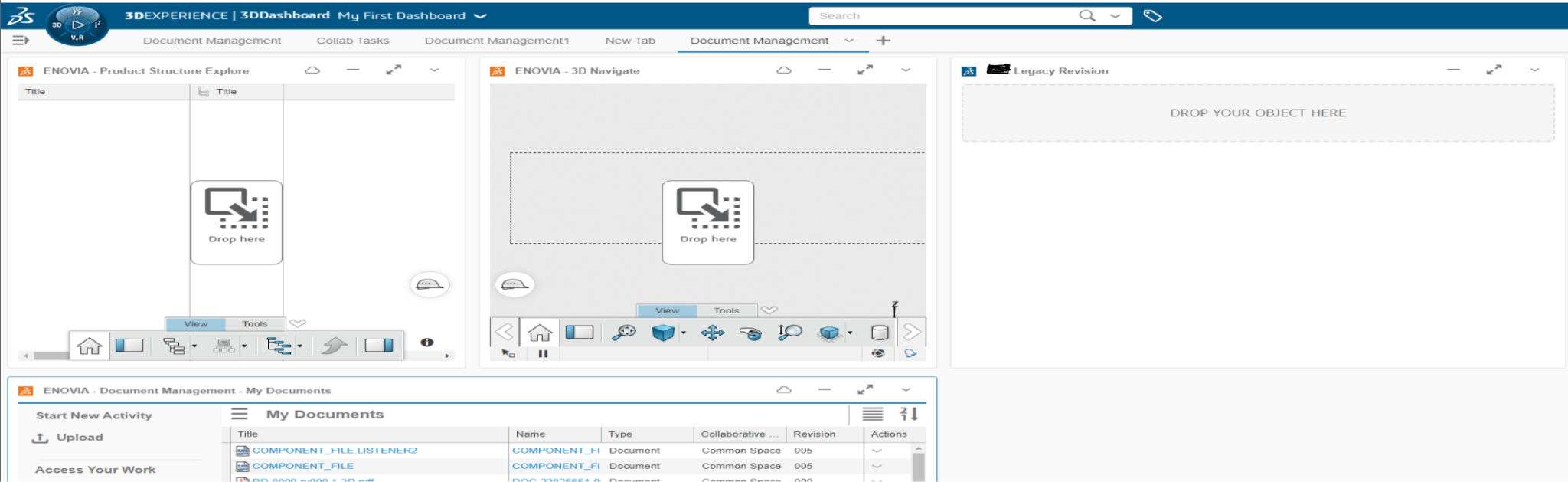
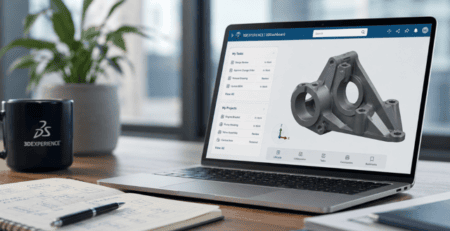
xLM Solutions helps customers unlock the full potential of the 3DEXPERIENCE platform and one way we do that is by developing and customizing widgets that help users maximize productivity. We also empower users to develop custom widgets through our 3DEXPERIENCE Widget Development Fundamentals training class. If you’re currently using the 3DEXPERIENCE platform, you know it has a variety of built-in widgets including:
- Engineering Release – used for BOM Management and release operations
- Product Structure Editor – Used for BOM Management manipulation and viewing of 3D Data
- Issue Management – Used for creating and managing issues
- 3DPlay – for viewing for various file formats
- Social Analytics – for viewing analytical data from the web
 Understanding Widgets on the 3DEXPERIENCE Platform
Our experts have decades of experience working with Dassault Systèmes, including all aspects of the 3DEXPERIENCE platform. Widgets work on the Universal Widget API (UWA) format and we highly recommend using them to quickly access platform apps, community content, web content and other resources.
These simple tools can be shared with other users, duplicated, added or deleted with ease, moved to other dashboards and configured, all of which help maximize productivity and encourage collaboration.
We develop new widgets regularly and have a couple you can get started with right away:
3DEXPERIENCE Part List/BOM Report Widget
SOLIDWORKS PDM Data Extraction Widget
If you’d like more information about 3DEXPERIENCE widgets and training, contact us.
Understanding Widgets on the 3DEXPERIENCE Platform
Our experts have decades of experience working with Dassault Systèmes, including all aspects of the 3DEXPERIENCE platform. Widgets work on the Universal Widget API (UWA) format and we highly recommend using them to quickly access platform apps, community content, web content and other resources.
These simple tools can be shared with other users, duplicated, added or deleted with ease, moved to other dashboards and configured, all of which help maximize productivity and encourage collaboration.
We develop new widgets regularly and have a couple you can get started with right away:
3DEXPERIENCE Part List/BOM Report Widget
SOLIDWORKS PDM Data Extraction Widget
If you’d like more information about 3DEXPERIENCE widgets and training, contact us.